550 5.7.515 Access denied: what it means and how to fix it
Outlook.com is rejecting your mail with 550 5.7.515. Here's what the error means, why it started, and the SPF, DKIM and DMARC steps that fix it.
BounceOwl team4 min read
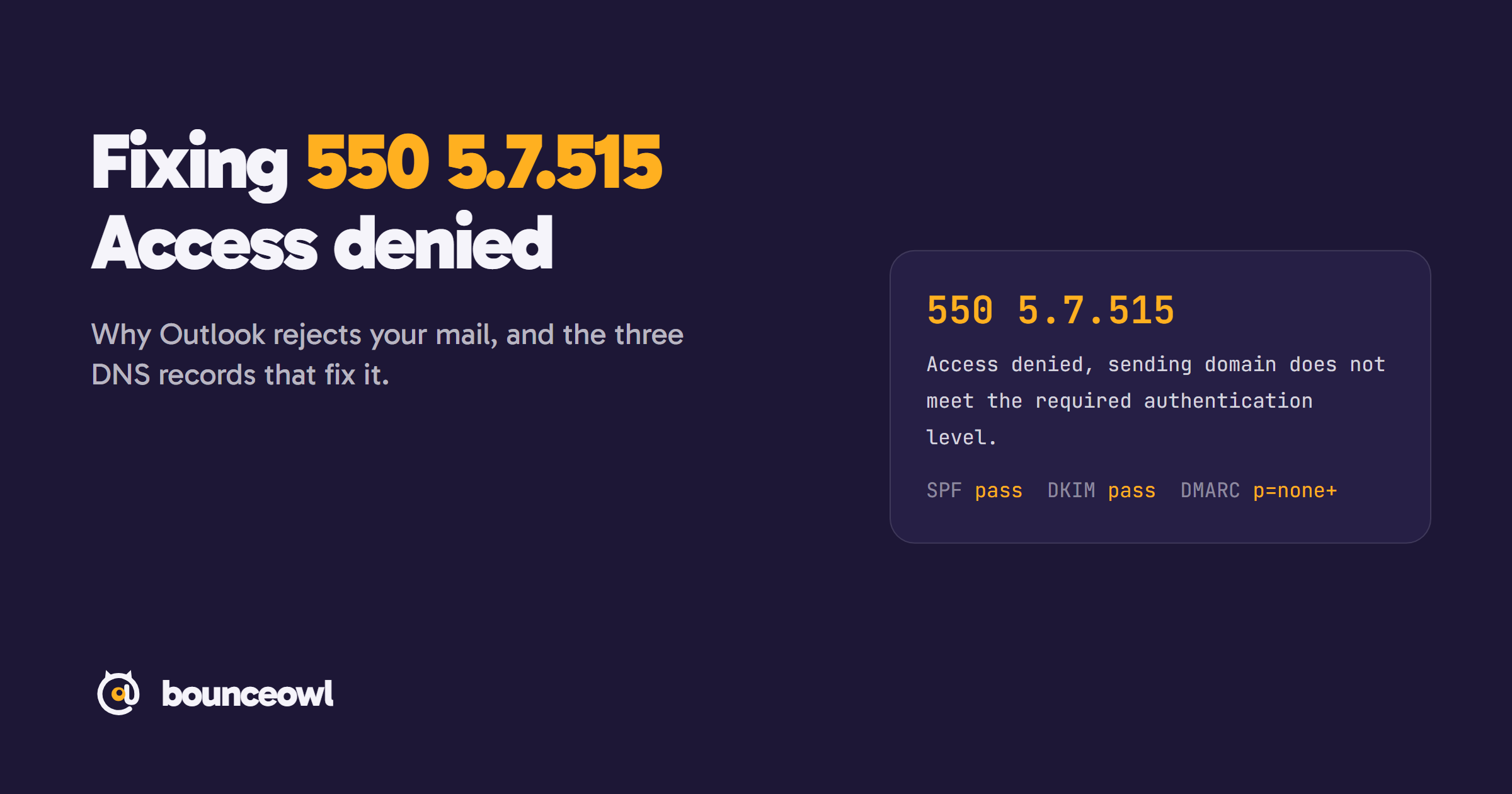
550 5.7.515 means Outlook.com rejected your email because your sending domain failed Microsoft's authentication check. To fix it, make SPF and DKIM pass for the domain in your From address, and publish a DMARC record with at least p=none that aligns with SPF or DKIM. Then resend the message.
If Outlook.com, Hotmail.com or Live.com addresses are bouncing your mail with this message, the problem is your sending domain's authentication, not the recipient:
550; 5.7.515 Access denied, sending domain [SendingDomain] does not meet the required authentication level.The good news: it's fixable with three DNS records, usually in an afternoon. This guide explains what the error means, why it appears, and how to fix it step by step.
What the error means
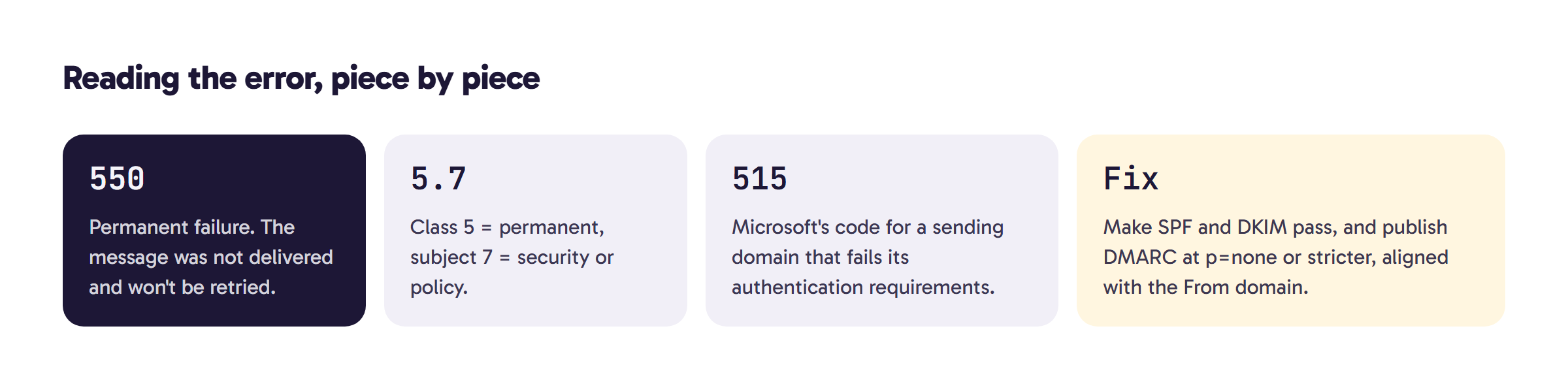
- 550 is a permanent failure: the receiving server refused the message and won't accept a retry of it (RFC 5321).
- 5.7 is an enhanced status code. The 5 means permanent, and the 7 means a security or policy problem (RFC 3463).
- 515 is Microsoft's specific code: the sending domain doesn't meet its authentication requirements.
Why you're getting it now
In April 2025, Microsoft announced new requirements for domains sending more than 5,000 emails a day to its consumer addresses (Outlook.com, Hotmail.com and Live.com). Enforcement started on May 5, 2025. Microsoft's announcement says non-compliant mail first goes to the Junk folder and will be rejected with exactly this error at a later date, and senders in the comments under that post report already receiving it (Microsoft).
The requirements are:
- SPF must pass for the sending domain.
- DKIM must pass.
- DMARC must exist with at least
p=none, and align with SPF or DKIM, preferably both.
The fix is the same whatever your volume, so if you see this error, work through the steps below.
How to fix it, step by step
1. List everything that sends as your domain. Your mailbox provider (Google Workspace or Microsoft 365), your marketing tool, your CRM, your cold email tool, your website's contact form. Any of them can trigger the error if it sends with your From address but isn't set up for your domain.
2. Fix SPF. Publish one TXT record at your root domain that starts with v=spf1 and includes every service that sends for you. For example:
v=spf1 include:_spf.google.com include:sendgrid.net ~allUse only one SPF record per domain, and keep it under 10 DNS lookups. Microsoft warns: "If you exceed 10 DNS lookups, your SPF check might fail" (Microsoft).
3. Turn on DKIM in every sending service. Each service gives you one or more DNS records (usually CNAME or TXT) to publish. Use a 2048-bit key if the service offers it; Google recommends it (Google). Until you publish these, the service may sign with its own domain, which doesn't align with yours.
4. Publish DMARC. Add a TXT record at _dmarc.yourdomain.com:
v=DMARC1; p=none; rua=mailto:dmarc-reports@yourdomain.comp=none is enough to meet the requirement and only asks for reports. Microsoft defines alignment as the From domain matching "the domain used by SPF and/or DKIM", and advises moving gradually from none to quarantine to reject once your reports look clean (Microsoft).
5. Test before you resend. Send an email from each tool to a Gmail address you own, open it, and choose Show original. SPF, DKIM and DMARC should all say PASS. In Outlook, the Authentication-Results line in the message headers shows the same checks.
6. Resend. DNS changes usually take effect within an hour, sometimes longer. A 550 is permanent for that message, so you have to send it again; the server won't retry it for you.
The most common causes
- A tool sends with your From address but signs DKIM with its own domain. Set up custom DKIM (sometimes called domain authentication) inside that tool.
- Two SPF records on the same domain. Merge them into one.
- Too many SPF includes, going past the 10-lookup limit.
- No DMARC record at all.
- Forwarding breaks SPF. Microsoft recommends ARC for forwarded mail.
While you're at it, clean the list
Microsoft's announcement also asks senders to "Remove invalid addresses regularly to reduce spam complaints, bounces, and wasted messages" (Microsoft). A domain that is fixing its authentication doesn't need hard bounces on top. Run your list through bulk verification before the next campaign, or check single addresses with the free email checker.
For the full rules from Gmail, Yahoo and Outlook side by side, see Gmail, Yahoo and Outlook sender rules in 2026.
FAQ
Which addresses return 550 5.7.515?
Microsoft's consumer addresses: Outlook.com, Hotmail.com and Live.com. Its requirements target domains sending more than 5,000 emails a day.
Do I need DMARC p=reject to fix it?
No. Microsoft requires at least p=none, aligned with SPF or DKIM. Move to quarantine and reject later, once your DMARC reports look clean.
How long does the fix take to work?
DNS changes usually apply within an hour. Rejected messages aren't retried, so send them again after SPF, DKIM and DMARC pass.
Check a list before you send it.
Live checks with evidence. Unknown results are free, and credits never expire.
Start with 100 free creditsKeep reading
Deliverability3 min read
Hard bounce vs soft bounce: what's the difference and what to do
Hard bounce vs soft bounce explained: 5xx vs 4xx SMTP codes, common causes like 550 5.1.1 and greylisting, and when to remove an address.
Guides4 min read
How to check if an email ID is valid (free, without sending an email)
Check if an email ID is valid or real for free, without sending an email. Four methods, what each result means, and tips for Gmail and company emails.
Deliverability5 min read
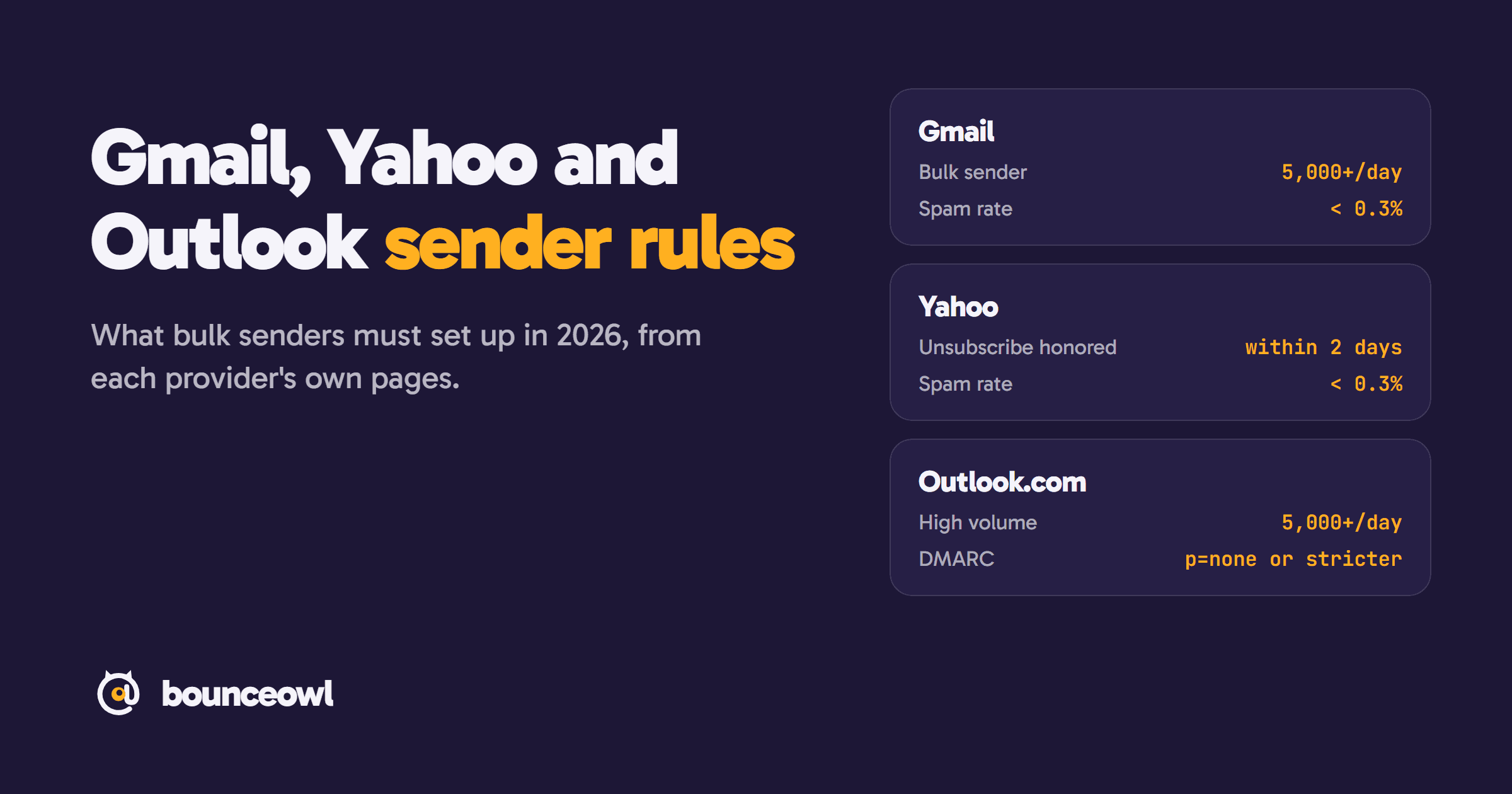
Gmail, Yahoo and Outlook sender rules in 2026: what bulk senders must do
Bulk sender rules from Gmail, Yahoo and Outlook.com, quoted from each provider: thresholds, SPF, DKIM, DMARC, spam rate, unsubscribe and enforcement.