How to check if an email ID is valid (free, without sending an email)
Four free ways to check an email ID, which one actually confirms the mailbox exists, and how to read the result for Gmail and company addresses.
BounceOwl team4 min read
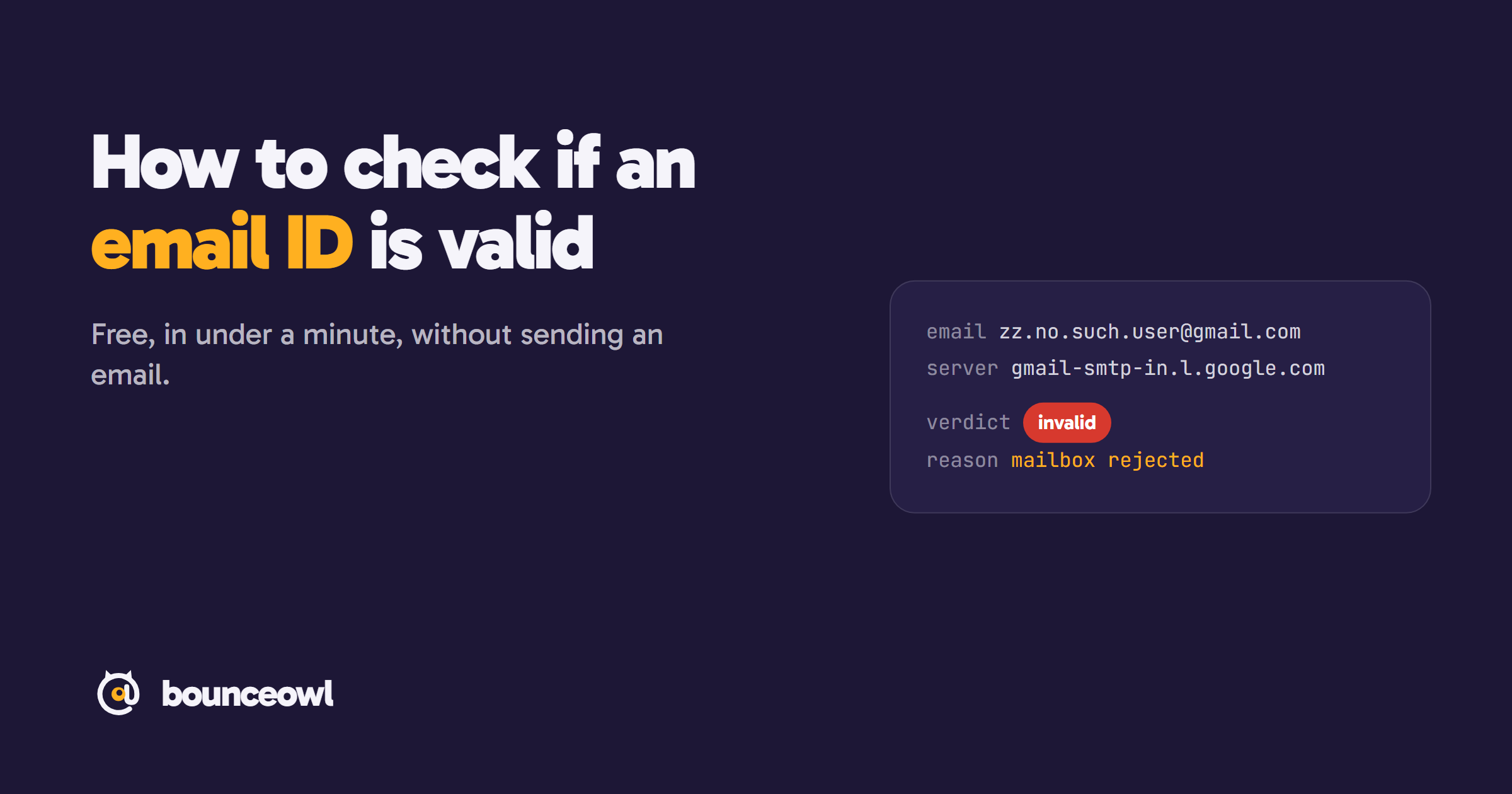
To check if an email ID is valid, first read it for typos, then run it through a free email checker. The checker asks the domain's mail server whether that mailbox exists and hangs up before any email is sent. Valid means the mailbox exists, bounce means it doesn't, and catch-all means the domain accepts every address.
An email ID can look perfect and still bounce. A colleague changed jobs, a customer typed gmial.com, or a lead list was built by guessing name patterns. Before you send something important, or upload a list to a campaign, it is worth checking that the address is real.
This guide shows four ways to check an email ID for free, which one actually confirms the mailbox exists, and how to read the result.
What "valid" means for an email ID
People use "valid" for two different things:
- Correctly written: one @, a name before it, a real-looking domain after it. A form can check this in the browser.
- The mailbox exists: the domain receives mail, and its server says it has a mailbox with that name. Only the mail server knows this.
An address can pass the first test and fail the second. priya.sharma@gmail.com is written correctly whether or not Priya has that Gmail account.
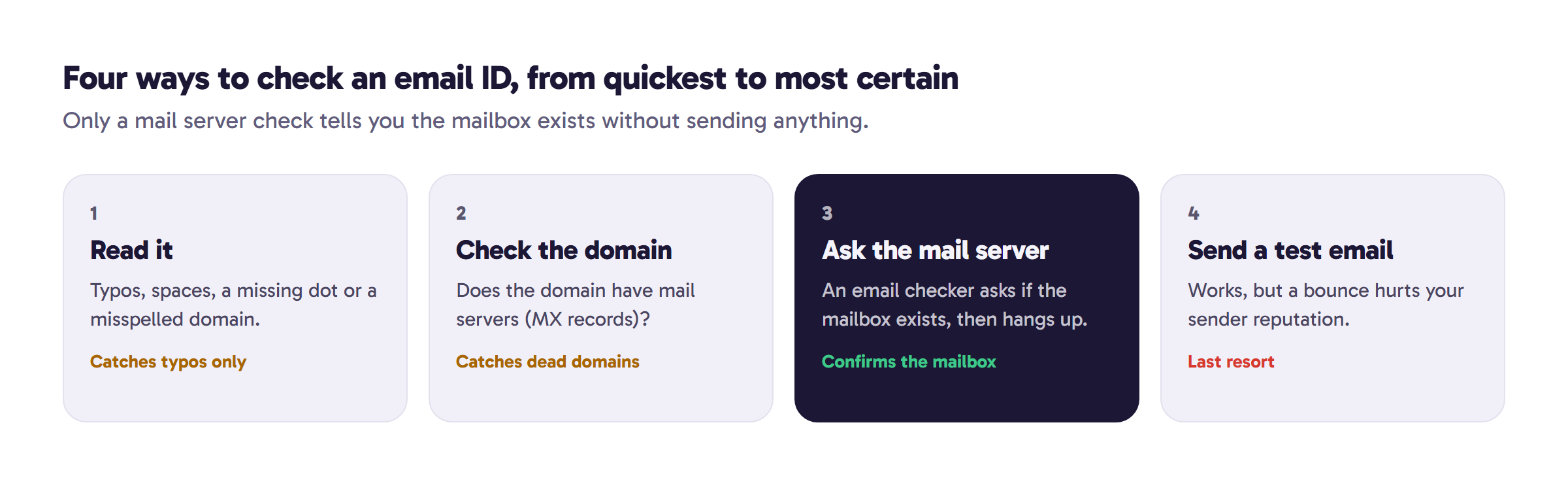
1. Read it for typos
Most bad addresses typed by people are typos. Look for:
- Misspelled domains:
gmial.com,gamil.com,hotmial.com,yahooo.com. - A missing or wrong ending:
gmail.coinstead ofgmail.com. - Spaces, two @ signs, or a dot at the very start or end of the name.
This catches the obvious mistakes. It can't tell you whether a correctly written address exists.
2. Check that the domain receives email
Every domain that receives email publishes MX records, which point to its mail servers. A domain with no MX records (and no fallback address) can't receive mail, so every address on it will bounce. The free MX lookup shows a domain's mail servers and who runs them, for example Google Workspace or Microsoft 365.
This rules out dead and misspelled domains. It still can't tell you whether one particular person's mailbox exists.
3. Ask the mail server with an email checker
This is the check that answers the real question. An email checker connects to the domain's mail server, starts the same conversation a real email would, and asks whether the server will accept mail for that exact address. Then it hangs up before anything is sent. The person never sees a thing.
The free BounceOwl email checker does this for up to 10 addresses a day with no signup, and shows the evidence: which server answered and what it said. You get one of four results:
- Valid: the server confirmed the mailbox exists.
- Bounce: the mailbox doesn't exist, or the domain can't receive mail. Don't send.
- Catch-all: the domain accepts every address, even made-up ones, so the check can't prove this one is real. Common on company domains.
- Unknown: the server didn't give a clear answer this time. Try again later.
Here is a real example. We checked a made-up Gmail address, zz.no.such.user.84213@gmail.com. Gmail's mail server rejected the mailbox, so the result was invalid in about two seconds, without a single email being sent.
4. Send a test email (last resort)
You can send a short email and wait for a bounce. It works, but it's slow, it tells the person you were testing, and every bounce counts against your sending domain. Mailbox providers watch bounces: Google tells senders to reduce volume when messages start bouncing. Use this only for one-off cases where nothing else gives an answer.
Checking a Gmail ID
Gmail answers mailbox checks clearly, so a checker usually gives a firm valid or invalid for Gmail addresses. One thing to know: Gmail ignores dots in the name part, so priya.sharma@gmail.com and priyasharma@gmail.com reach the same inbox (Google). If one version checks as valid, the other is the same mailbox.
Checking a company email ID
Company domains are harder. Many accept mail for any address and sort it out later, which is why they come back as catch-all. You have three options: send carefully to a small number, look for another confirmation of the address (a signature, a website, a recent reply), or run a deeper catch-all check. Our guide on catch-all email explains how these domains work.
Checking many email IDs at once
For a list, use bulk email verification: upload a CSV or Excel file, and every row is checked the same way, with duplicates checked once. The first 100 checks are free with an account, and unknown results never cost anything.
What no checker can tell you
- Whether the person still reads that inbox.
- Whether the address belongs to the person you think it does.
- Whether your email will land in the inbox or in spam. That depends on your sending domain and your content.
A valid result means the mailbox exists today, which is what you need to avoid a bounce.
The quick version
Read the address for typos, then run it through a free email checker. A valid result means the mailbox exists. A bounce means remove it. A catch-all means the domain accepts everything, so treat it with care.
FAQ
Does checking an email ID send an email to the person?
No. The checker talks to the mail server and stops before any message is sent, so the person never sees anything.
Is there a free email ID checker?
Yes. The BounceOwl email checker checks up to 10 addresses a day without signing up, and shows which server answered.
Can I check if a Gmail ID exists?
Yes. Gmail's servers answer mailbox checks clearly, so a checker usually returns a firm valid or invalid for Gmail addresses.
Why does a company email show as catch-all?
Many company domains accept mail for any address and sort it out later. The check can't prove the mailbox exists, so treat the address with care.
Check a list before you send it.
Live checks with evidence. Unknown results are free, and credits never expire.
Start with 100 free creditsKeep reading
Deliverability3 min read
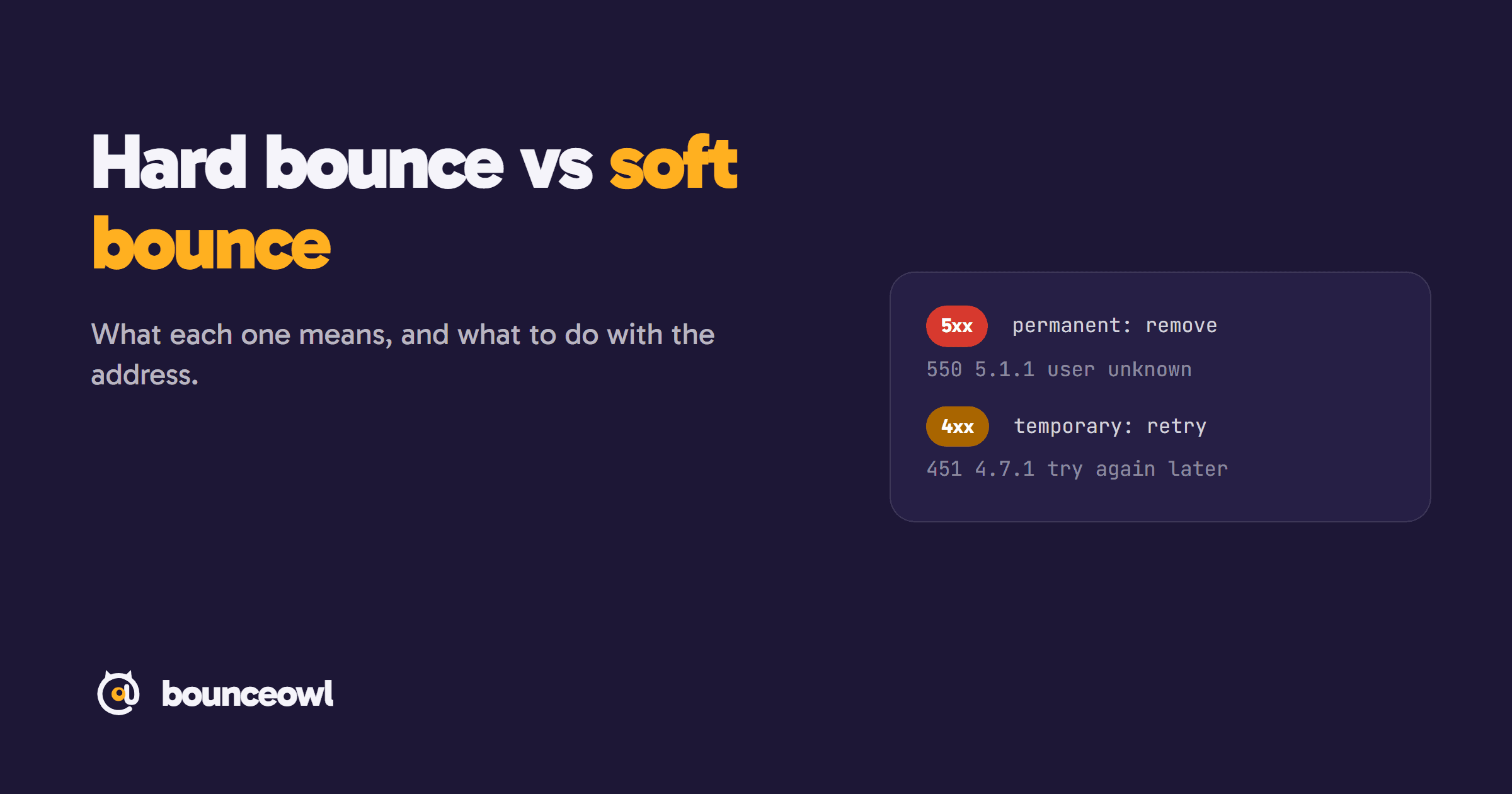
Hard bounce vs soft bounce: what's the difference and what to do
Hard bounce vs soft bounce explained: 5xx vs 4xx SMTP codes, common causes like 550 5.1.1 and greylisting, and when to remove an address.
Deliverability4 min read
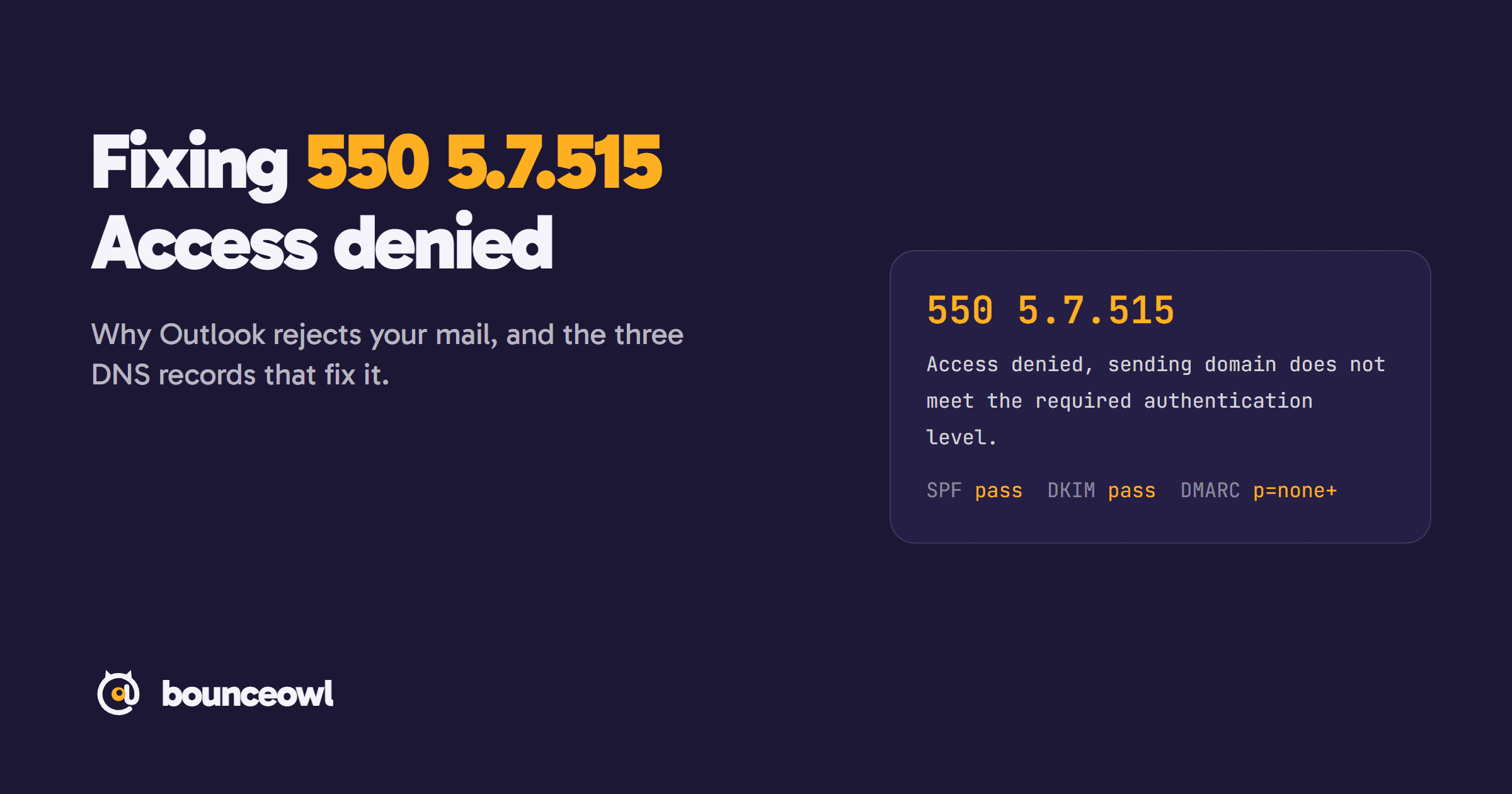
550 5.7.515 Access denied: what it means and how to fix it
Fix the Outlook 550 5.7.515 Access denied error: what it means, why Microsoft rejects your domain, and step-by-step SPF, DKIM and DMARC setup.
Deliverability5 min read
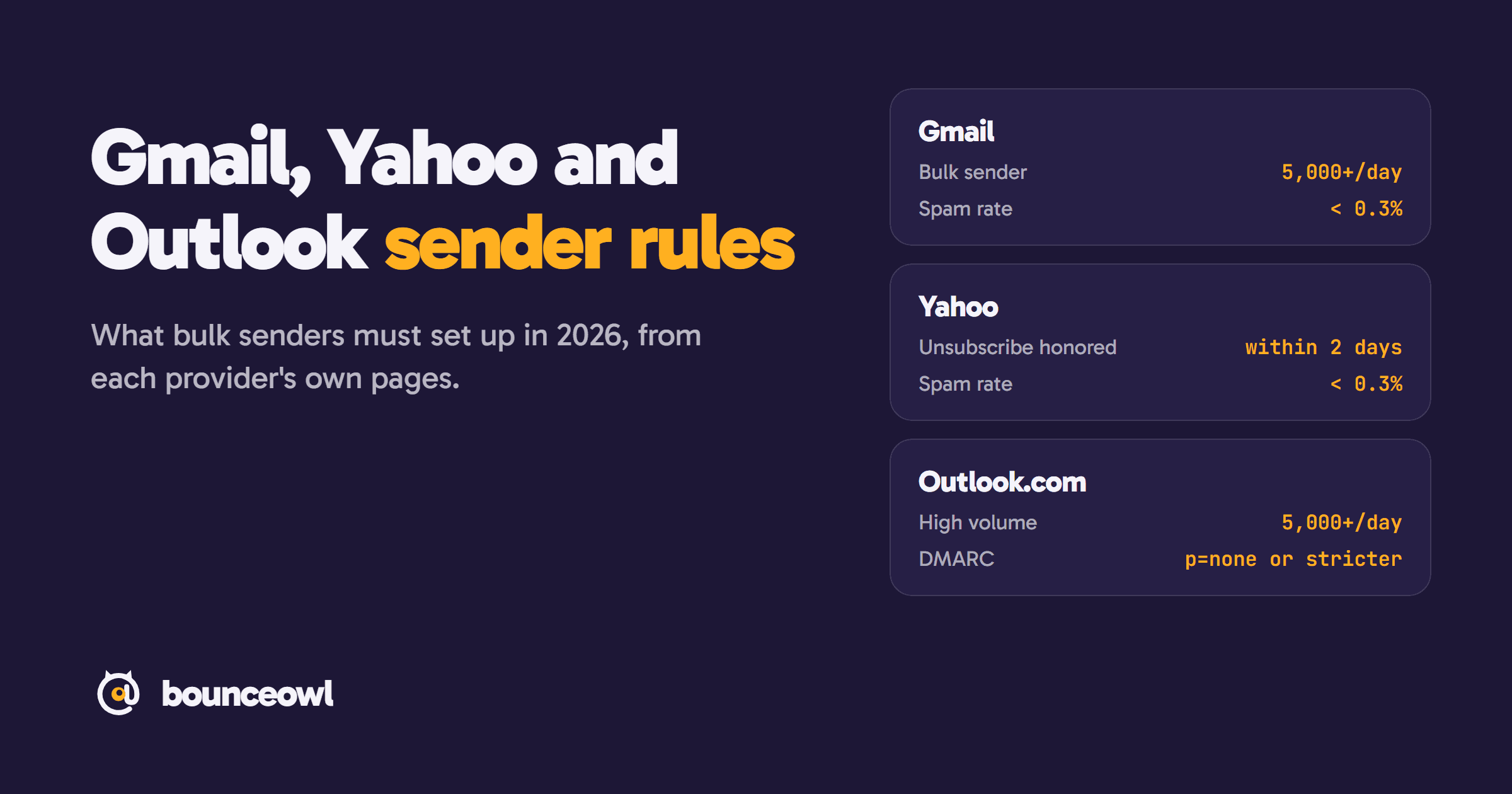
Gmail, Yahoo and Outlook sender rules in 2026: what bulk senders must do
Bulk sender rules from Gmail, Yahoo and Outlook.com, quoted from each provider: thresholds, SPF, DKIM, DMARC, spam rate, unsubscribe and enforcement.