Hard bounce vs soft bounce: what's the difference and what to do
A 5xx code is a hard bounce and a 4xx code is a soft bounce. What each one means, the common codes, and when to remove an address from your list.
BounceOwl team3 min read
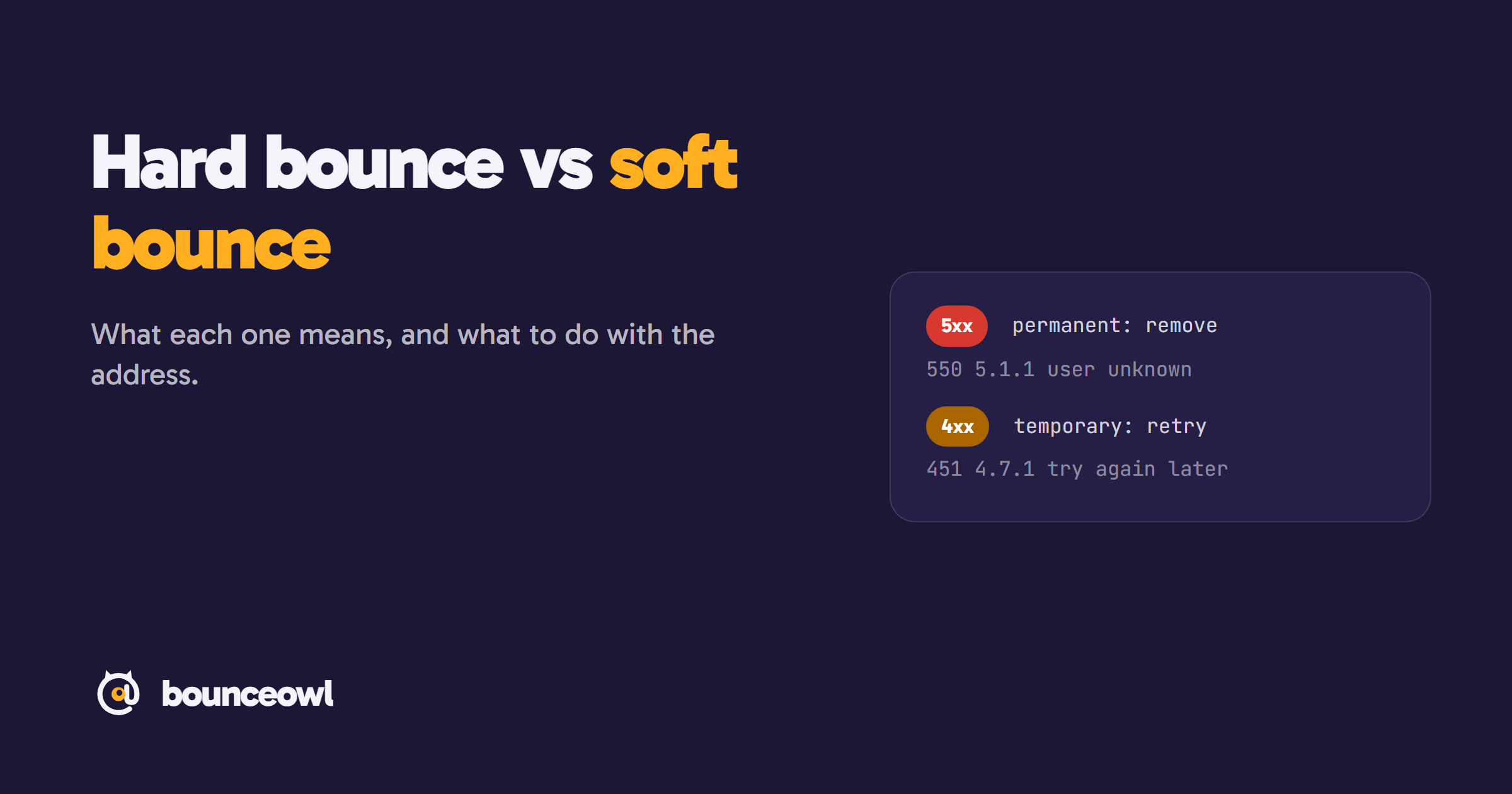
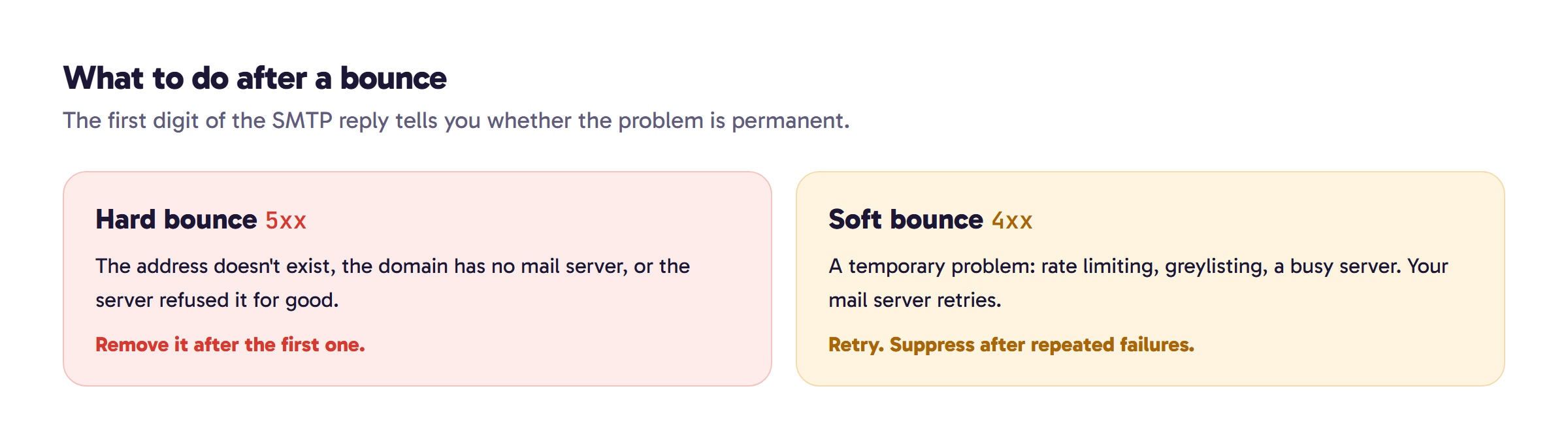
A hard bounce is a permanent delivery failure with a 5xx code, usually because the address or domain doesn't exist; remove the address. A soft bounce is a temporary failure with a 4xx code, such as a full mailbox or rate limiting; let your server retry, and suppress the address only after repeated failures.
Every bounce message starts with a three-digit code, and the first digit tells you most of what you need to know. A 5 means the problem is permanent: a hard bounce. A 4 means it's temporary: a soft bounce. Treat the two the same way and you either keep mailing dead addresses or throw away good ones.
Where the codes come from
Mail servers reply with codes defined in the SMTP standard. Codes starting with 4 are a "transient negative completion reply": the action failed but may succeed later. Codes starting with 5 are a "permanent negative completion reply": don't repeat the same request (RFC 5321). Most servers also add an enhanced status code such as 5.1.1, where the first digit means the same thing and the rest says which kind of problem it is (RFC 3463).
Hard bounces
A hard bounce means this address won't accept your mail, now or later. The usual causes:
| Code | What it means | What to do |
|---|---|---|
550 5.1.1 | The mailbox doesn't exist (bad destination mailbox address) | Remove the address |
5.1.2 | The domain doesn't exist or can't receive mail | Remove the address |
5.2.1 | The mailbox is disabled | Remove the address |
5.7.x | Refused for security or policy reasons, often your authentication or reputation | Fix your sending setup; the address may be fine |
That last row matters. A 5.7.x rejection, such as Microsoft's 550 5.7.515, is about you, not the recipient. Removing those addresses hides the problem; fixing SPF, DKIM and DMARC solves it.
Soft bounces
A soft bounce means the server couldn't take the message right now. Your sending server keeps retrying for a while before giving up. Common causes:
| Code | What it means | What to do |
|---|---|---|
421 | The server is busy or closing the connection | Let your server retry |
450 / 451 | Temporary failure, often greylisting: the server asks unknown senders to try again later | Let your server retry |
4.2.2 | The mailbox is full | Retry later; remove if it stays full |
4.7.28 | Gmail is rate limiting you for sending too fast | Slow down and retry |
For the Gmail rate limit, Google's advice is specific: "Do not send email for at least 10 minutes" after a 4.7.28 (Google).
How many soft bounces before you remove an address?
There's no official number. Google tells senders to "Automatically unsubscribe recipients who have multiple bounced messages" (Google). A practical rule: if the same address soft-bounces on three sends in a row, suppress it. Most email platforms do something similar automatically, so check your platform's bounce settings before building your own.
What bounce rate is too high?
Gmail, Yahoo and Outlook don't publish a bounce-rate limit. All three tell senders to remove invalid addresses, and Google adds: "If messages start bouncing or start being deferred, reduce the sending volume until the SMTP error rate decreases" (Google). Hard bounces are the part you control most, because nearly all of them come from addresses that were already dead when you sent.
Prevent hard bounces before you send
Most hard bounces can be found before the first send. An email verifier asks each address's mail server whether the mailbox exists, without sending anything, and catches non-existent mailboxes, dead domains and disabled or full mailboxes. Check single addresses with the free email checker, or upload a whole list before your next campaign.
Addresses can still bounce after they verify as valid, for example when someone leaves a company. Our guide on why verified emails still bounce covers those cases.
The short version
- 5xx, hard bounce: remove the address after the first one, unless it's a 5.7 policy rejection, which means fix your setup.
- 4xx, soft bounce: let your server retry, and suppress the address after repeated failures.
- Fewer bounces: verify the list before you send.
FAQ
Is a 550 error always a hard bounce?
A 550 is a permanent failure, but check the enhanced code. 5.1.1 means the mailbox doesn't exist; 5.7.x means a policy problem on your side.
Should I remove soft-bounced addresses?
Not after one. Let your server retry, and suppress an address only if it soft-bounces on several sends in a row.
Can I prevent hard bounces?
Mostly. Verifying a list before sending catches non-existent mailboxes and dead domains, which cause most hard bounces.
Sources
Check a list before you send it.
Live checks with evidence. Unknown results are free, and credits never expire.
Start with 100 free creditsKeep reading
Deliverability4 min read
550 5.7.515 Access denied: what it means and how to fix it
Fix the Outlook 550 5.7.515 Access denied error: what it means, why Microsoft rejects your domain, and step-by-step SPF, DKIM and DMARC setup.
Guides4 min read
How to check if an email ID is valid (free, without sending an email)
Check if an email ID is valid or real for free, without sending an email. Four methods, what each result means, and tips for Gmail and company emails.
Deliverability5 min read
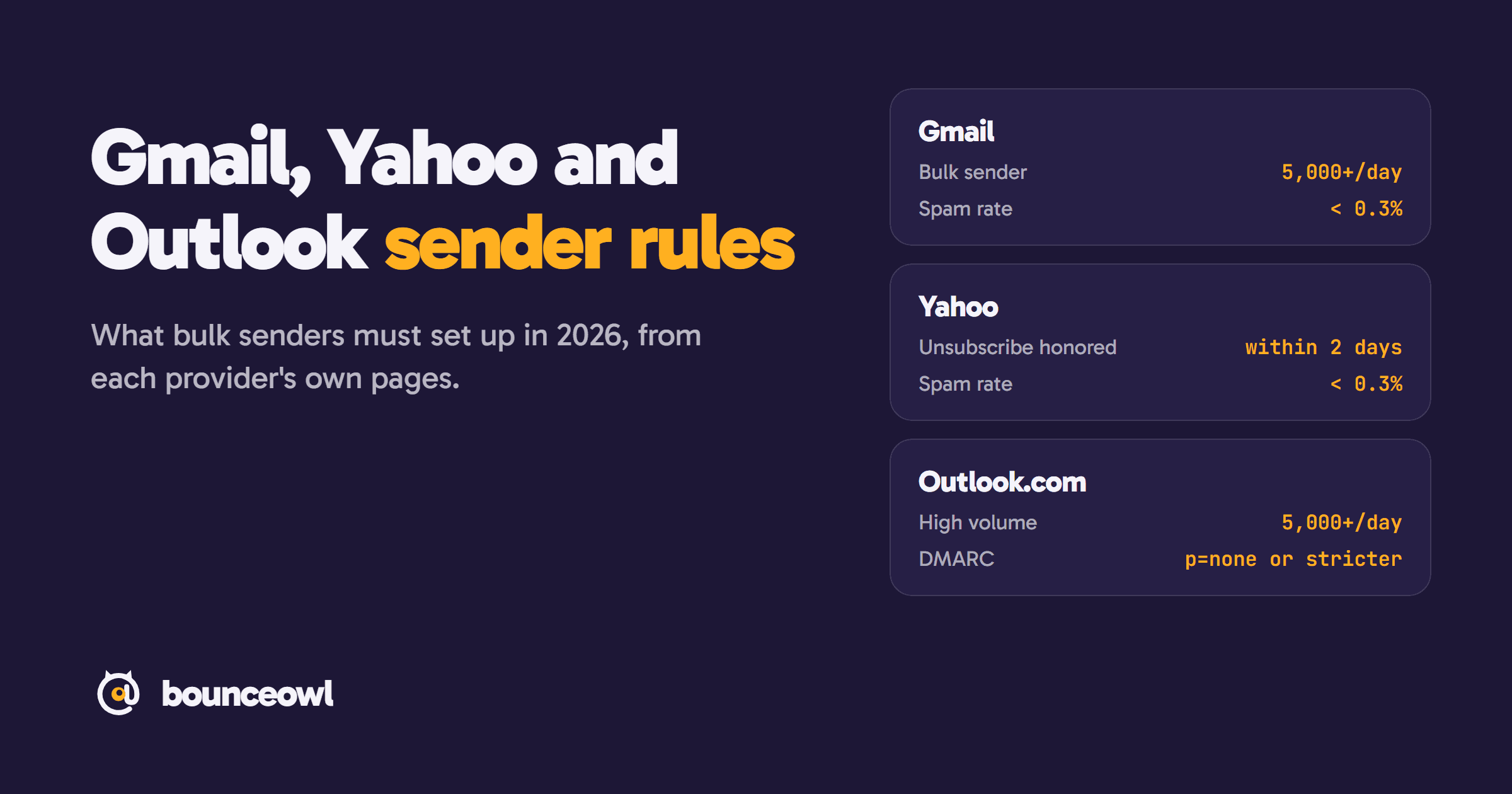
Gmail, Yahoo and Outlook sender rules in 2026: what bulk senders must do
Bulk sender rules from Gmail, Yahoo and Outlook.com, quoted from each provider: thresholds, SPF, DKIM, DMARC, spam rate, unsubscribe and enforcement.